Rules & objective
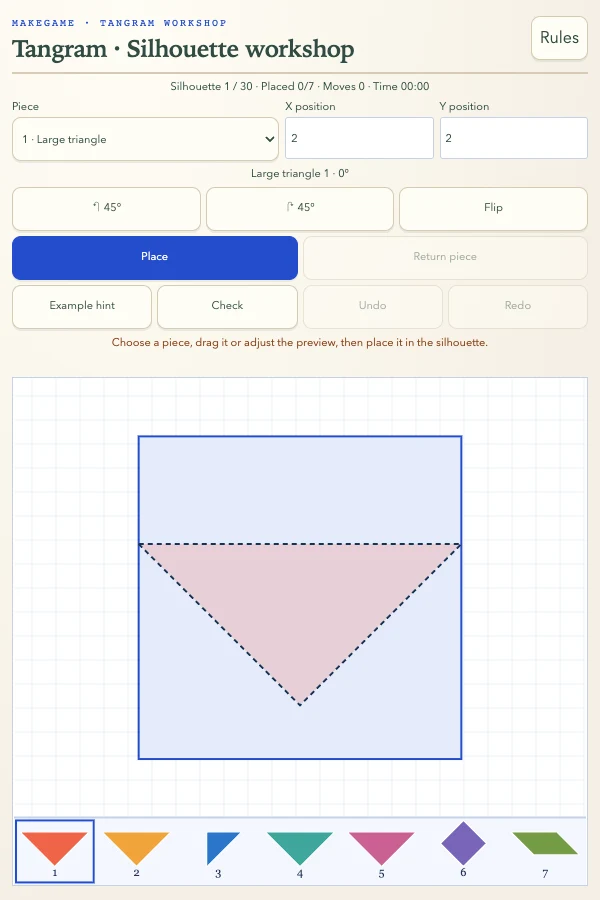
The seven rigid pieces are two large triangles, one medium triangle, two small triangles, one square and one parallelogram. Use every piece to cover the entire silhouette without overlaps or extensions outside it. Move, rotate in 45-degree steps and flip; pieces cannot be resized. A mirrored parallelogram may require flipping, which rotation alone cannot replace. Selecting a piece, angle or position only changes the preview; Place confirms. Drag from the lower tray or a placed piece and release to commit, with snapping near visible vertices. A tap only selects; cancelled touches do not place. Return sends the selected piece to the tray. These 30 original generated silhouettes have verified seven-piece arrangements; uniqueness is not claimed. Example hints show one piece from a valid example arrangement, ready to confirm or cancel. They are demonstrations, not forced logical deductions, and may require revising your earlier layout. Check reports current overlap, outside area and coverage; an unfinished layout is not guaranteed to remain solvable. Victory checks actual geometric coverage, accepting other valid partitions and exchanges of identical triangles. Undo/redo restore real placements. Restart keeps the target; Next silhouette changes it.
Controls
Arrows:move preview · Q/E:rotate · Space:flip · Enter:place · 1–7:select piece · H:example · U/R:undo/redo · Esc:cancel preview
Worked example
The parallelogram can be flipped; rotation cannot substitute for a flip. Pieces must not overlap or extend beyond the silhouette.